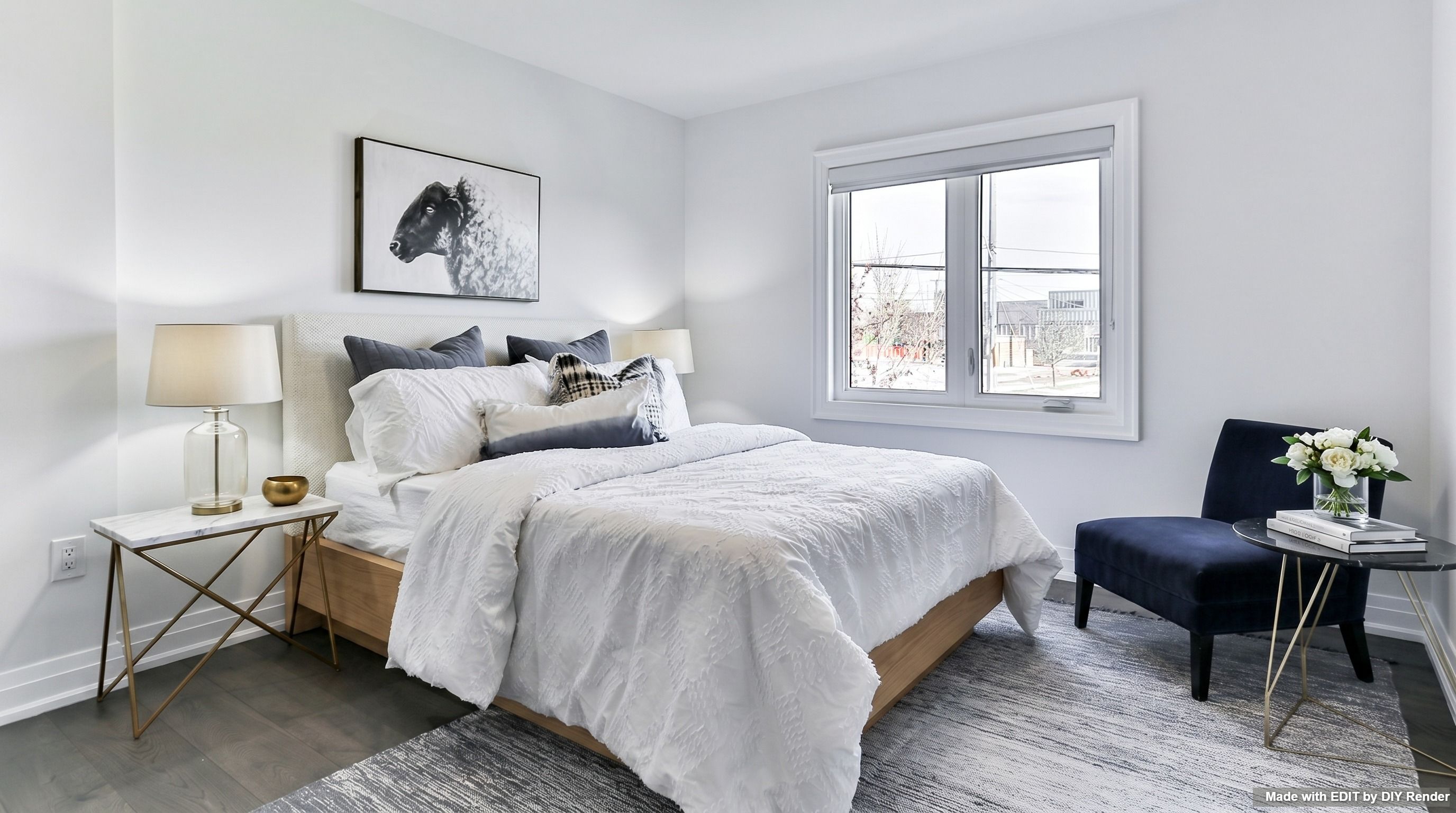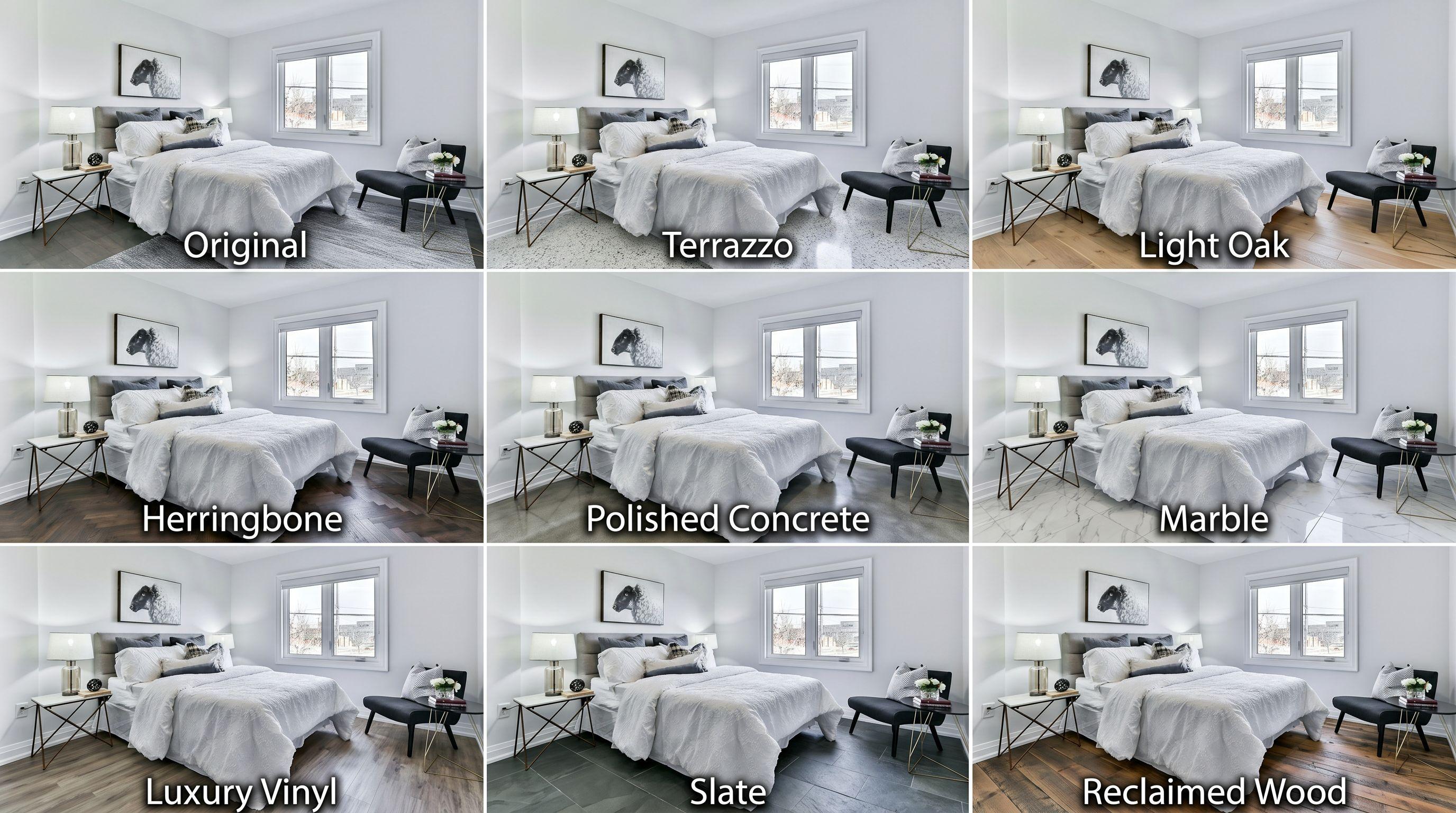
Remove furniture from a room photo
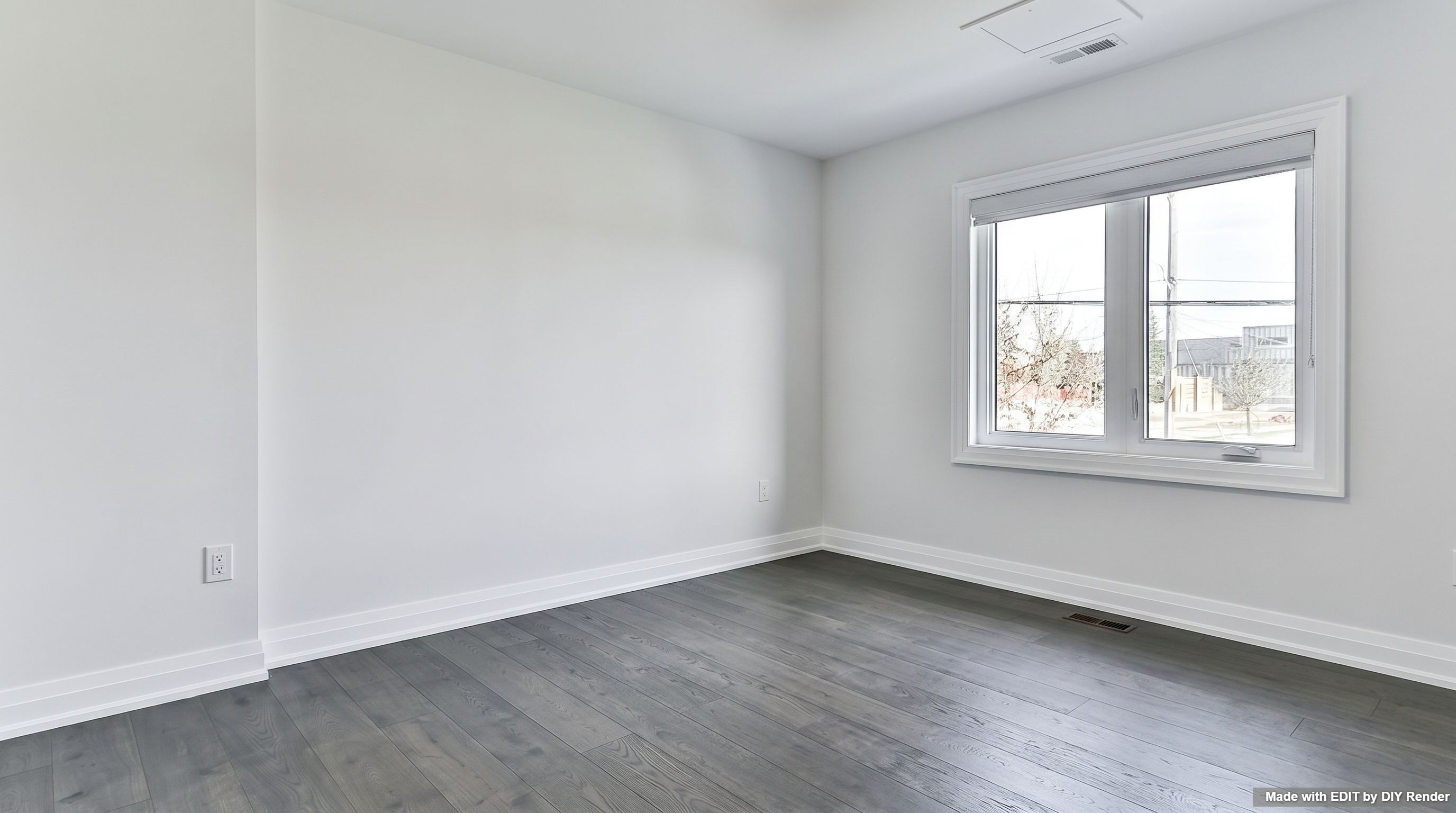
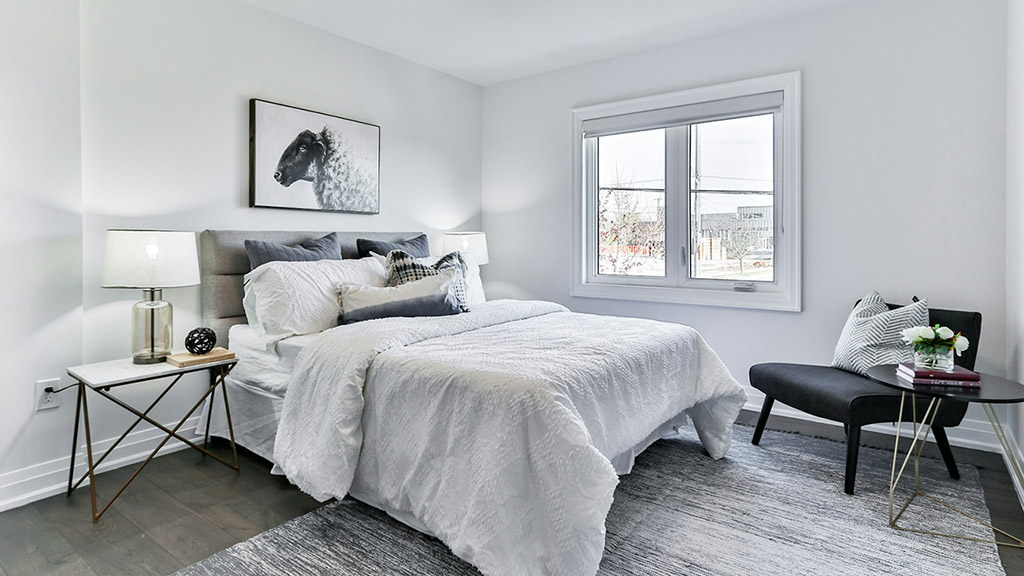
The remove furniture prompt clears furniture, objects, and wall hangings from a room photo and rebuilds the walls, floor, and ceiling behind them while keeping the original lighting. Stage the empty result next if you want to furnish the room from a blank start.
The prompt
Remove furniture prompt
Remove all furniture, objects, and wall hangings from this BEDROOM. Reconstruct the empty space, including the walls, floor, and ceiling, so it looks clean, photorealistic, and completely unfurnished. Maintain the original lighting and architectural composition.
What to know
- Change BEDROOM to match the room in your photo. The wiki asks for the room type in the prompt to match the image.
- Removing furniture is one generation and staging the empty room is another, so a full restage is two runs at $0.50 each.
- Keep the empty version too. It is useful when a client wants to see the bare space next to the staged one.