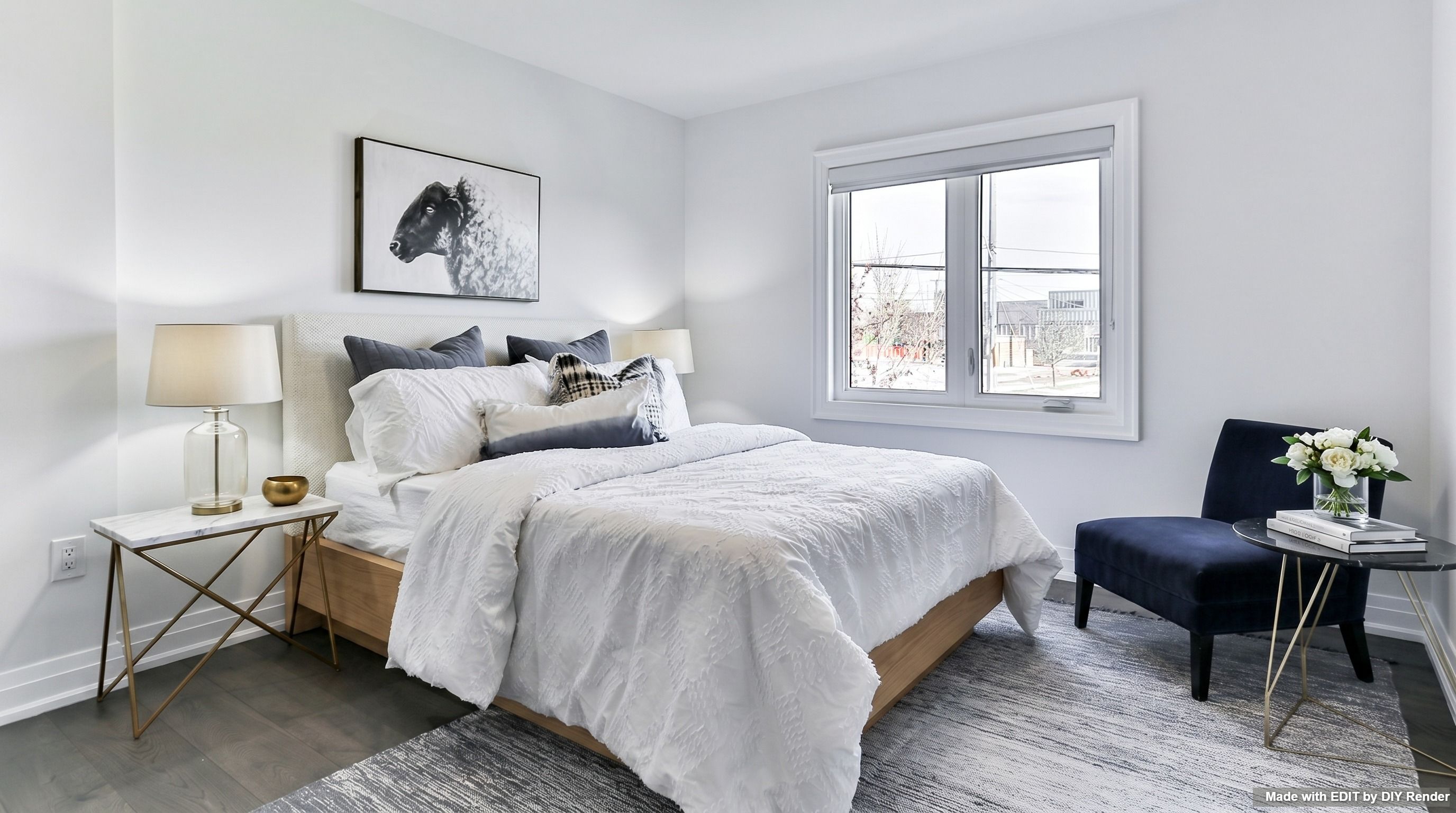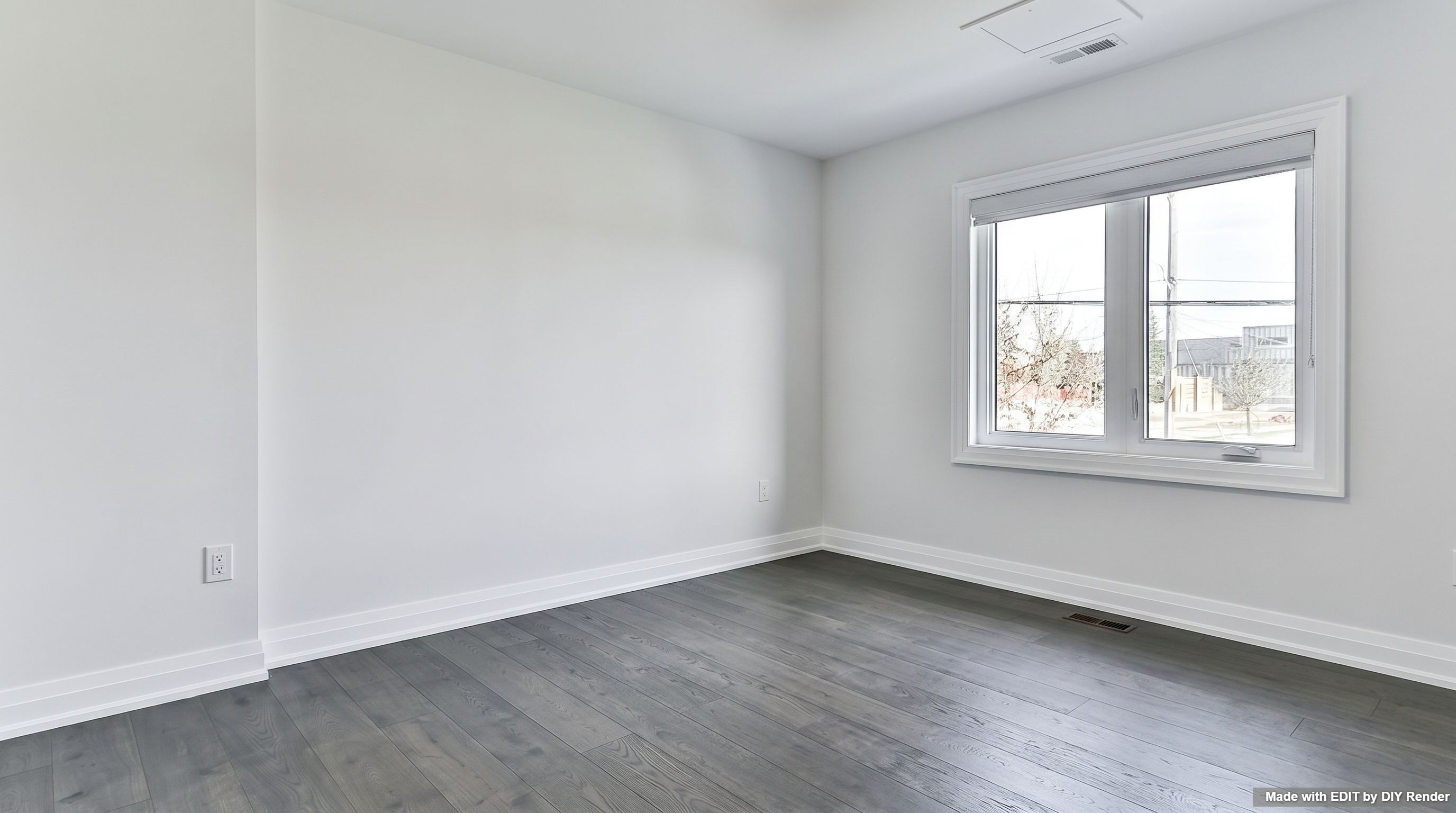
Compare flooring styles on a room photo
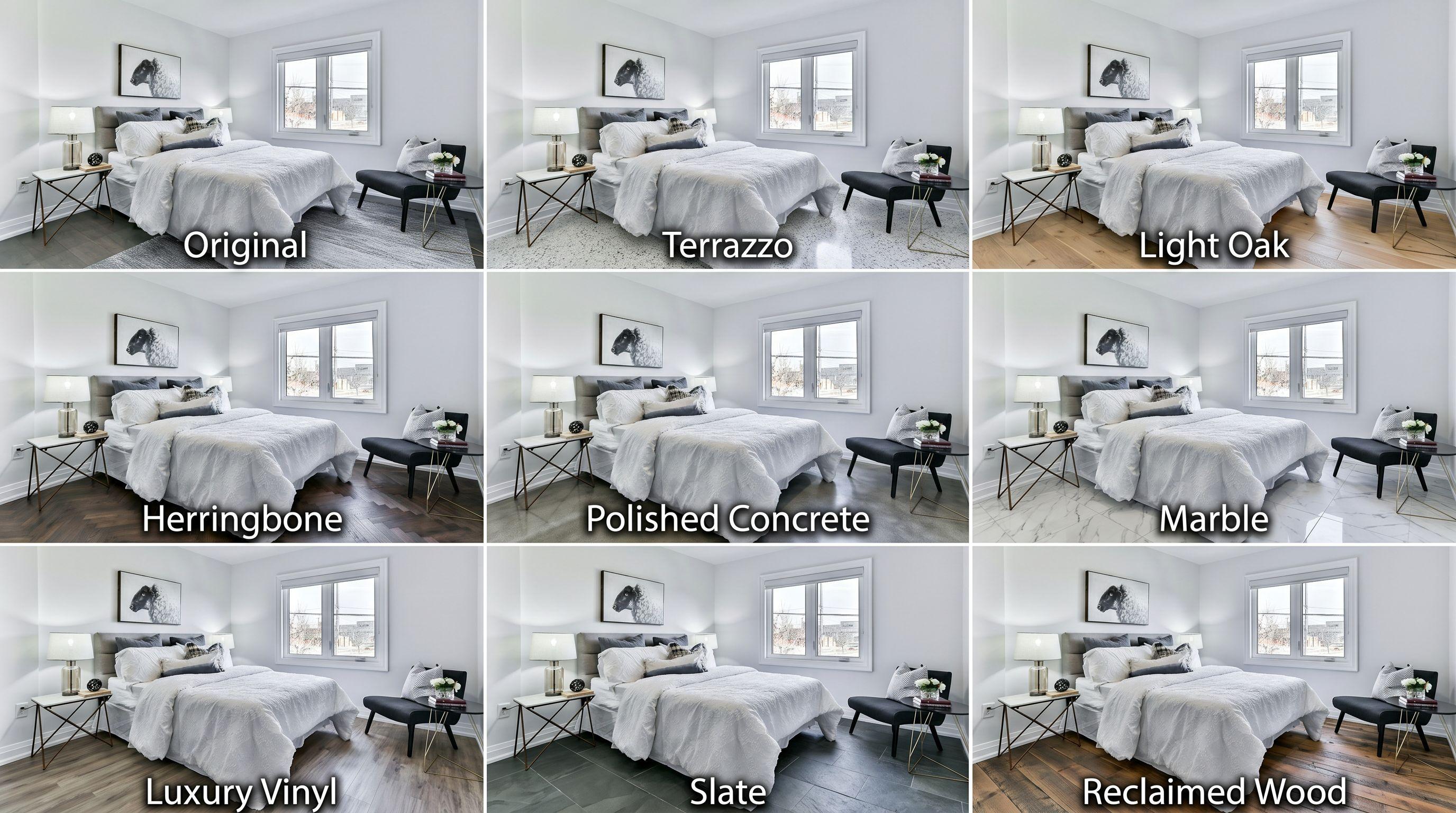
Run the Flooring Styles grid on a room photo and EDIT returns a contact sheet of the same room with different floors, from terrazzo and light oak to slate and reclaimed wood. Pick the panel you like and use Enhance Image to turn it into a full-size render.
What to know
- Grids are only available in EDIT. Open them from the Grids button above the main prompt area or from the Assistant Cheat Sheet.
- The grid is the first step. Enhance Image then promotes the panel you choose to a full render.
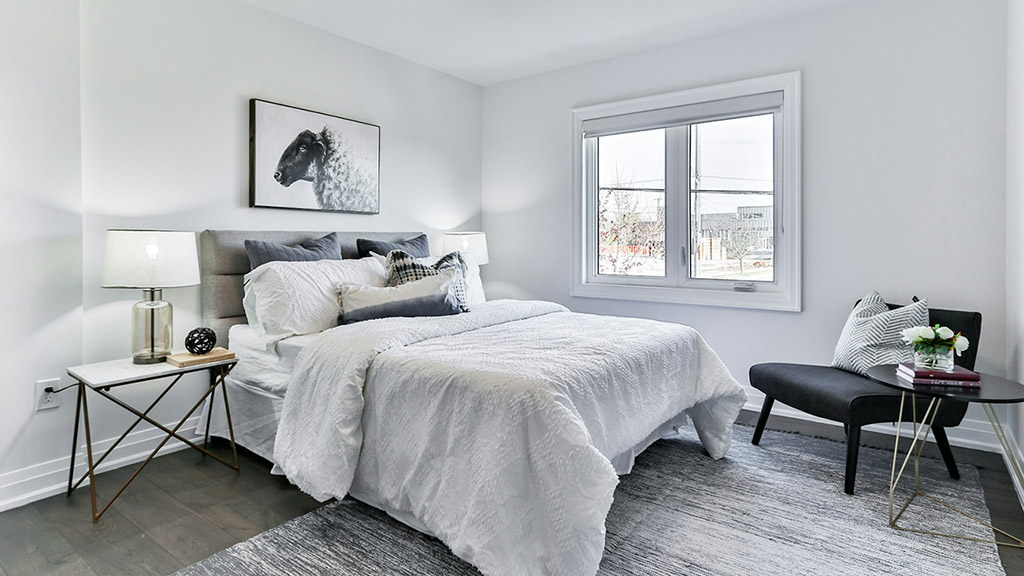
- Run it after staging so the client judges each floor with furniture in the room.