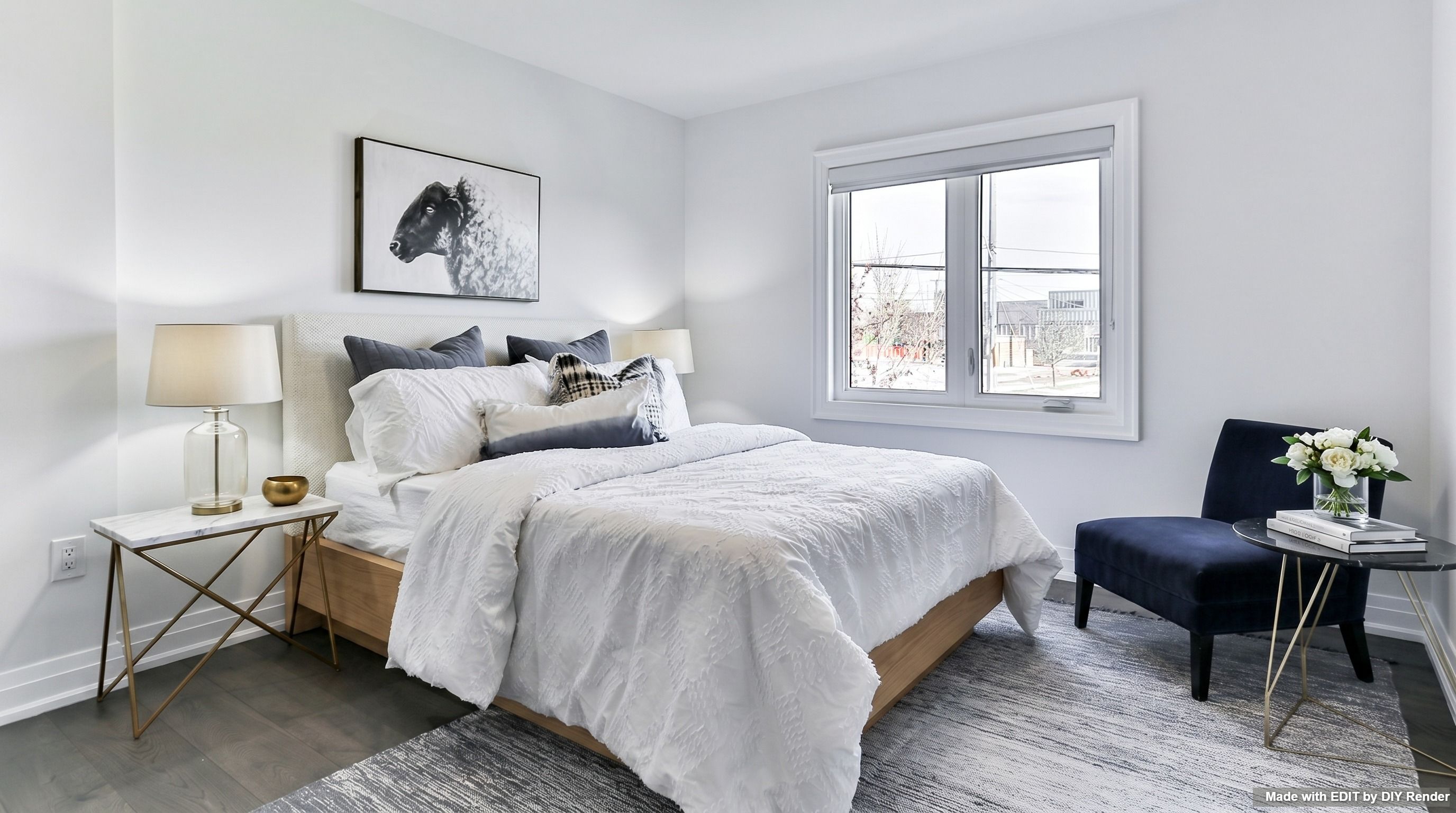
Change one interior surface and keep the room
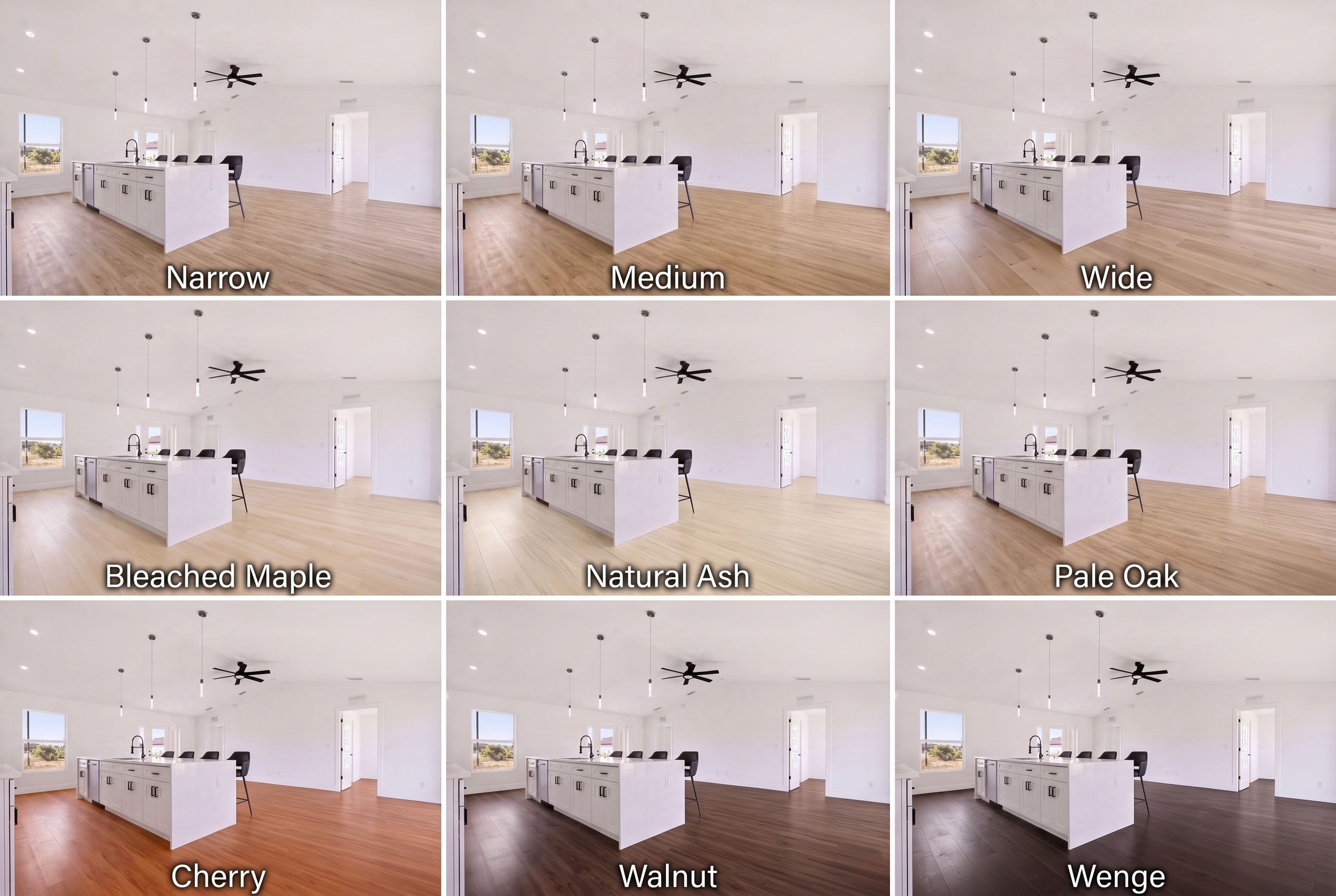
Upload a room photo to EDIT and change one surface, such as the floor or the backsplash band, while the cabinets, openings, and camera stay. A single finish is one generation. A contact sheet of options is another. Each successful generation is $0.50.
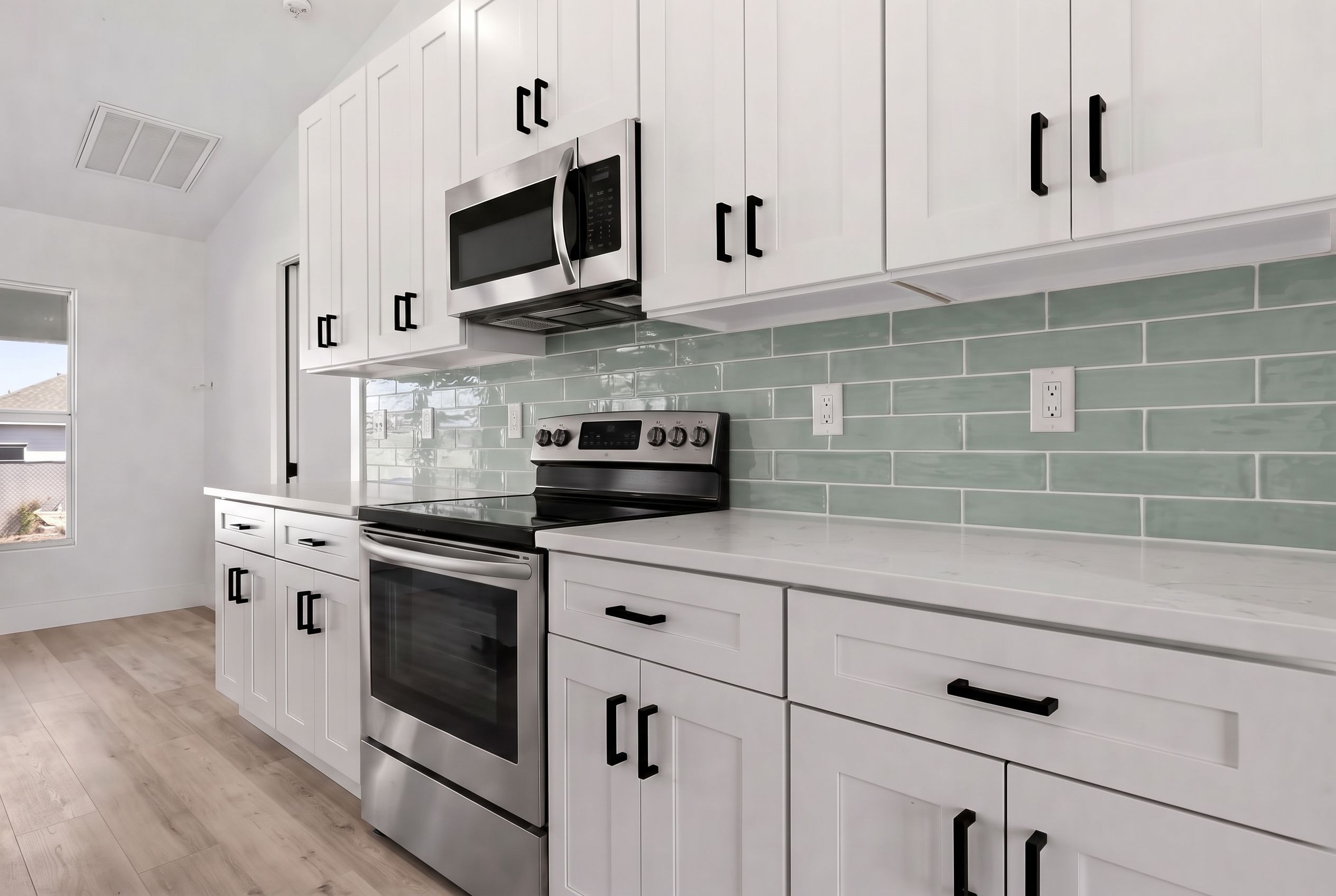
How it works
1Upload the room
Click + New and upload a photo with a clear floor plane or a clear backsplash band. Furnished and empty rooms both work.
2Name one finish
Open the Assistant and click a Prompt Option, or paste a prompt that names the surface and keeps the walls and the camera fixed.
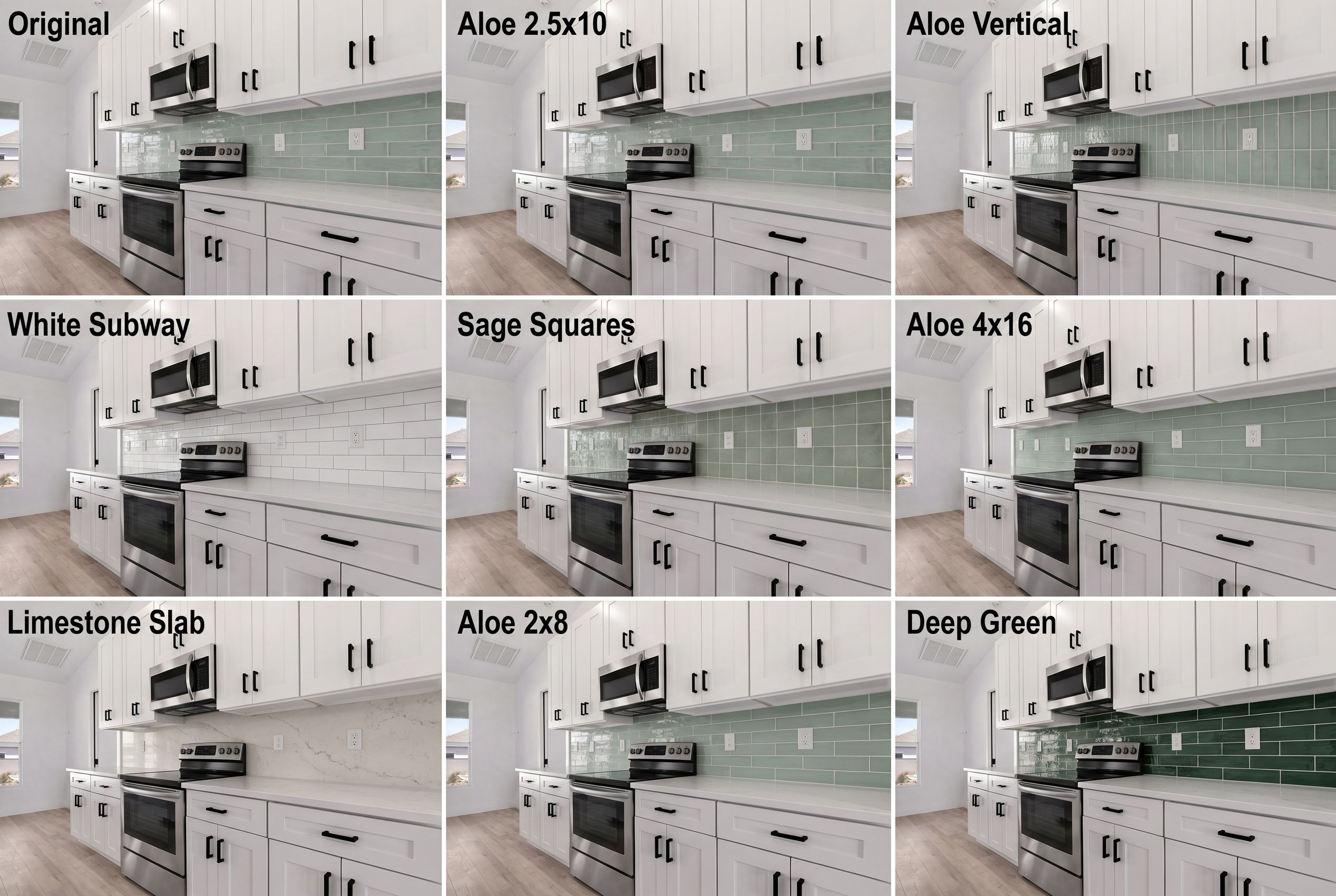
3Open a grid for options
Grids sit above the main prompt. A Flooring Styles sheet is one generation. Enhance Image then turns the panel you like into a full photo.
4Check the lock
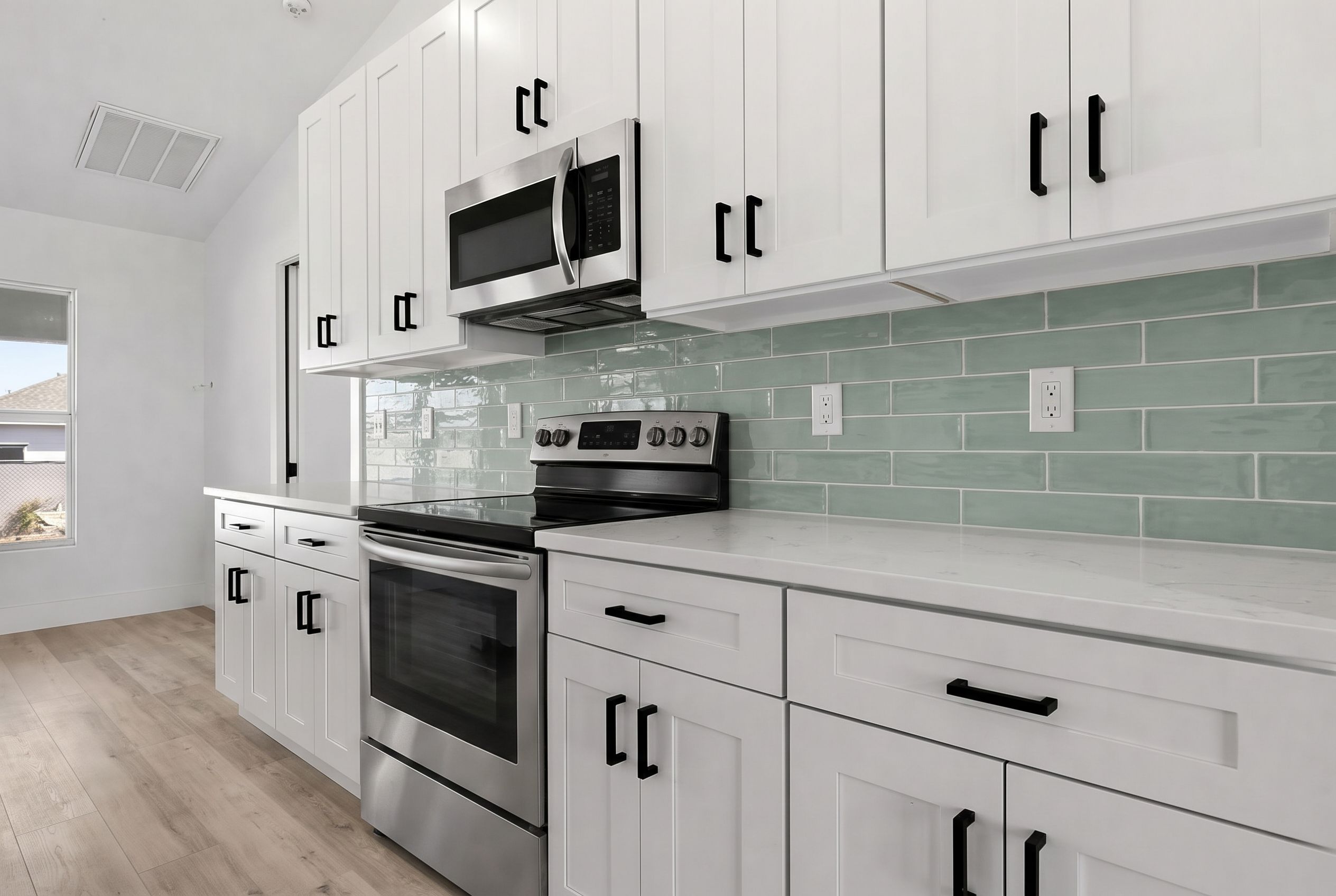
Cabinets, counters, openings, and the camera should match the upload. If they drift, run again from the same photo.
Examples to start from
Tips for better results
- Name the surface in the prompt. A backsplash here is only the band between the counter and the upper cabinets.
- A color mask only selects a surface. It does not choose the material.
- A contact sheet and a single finish are separate generations, each $0.50 when the run succeeds.